

Rose Garden
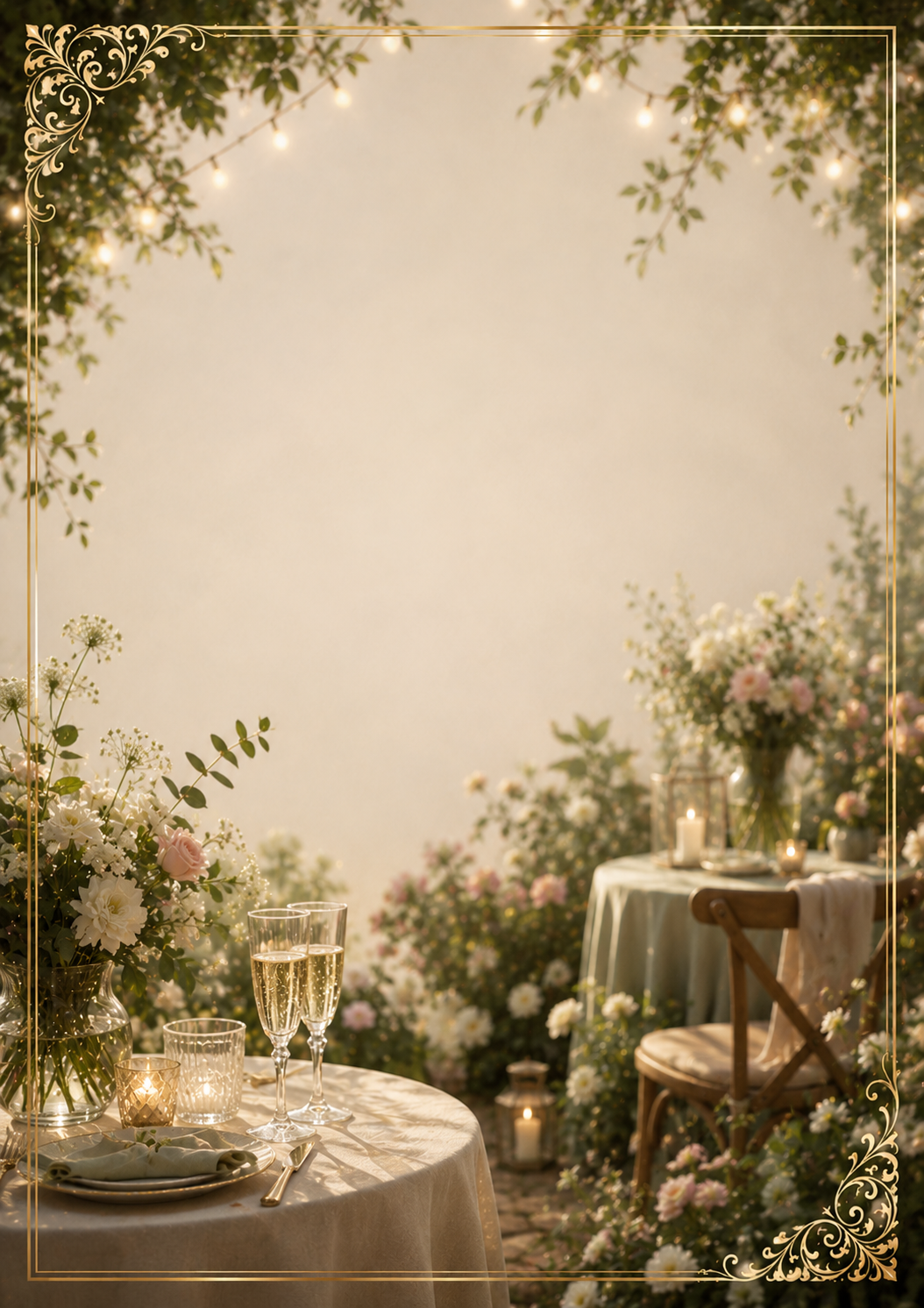
The "Rose Garden" birthday invitation template is perfect for creating a memorable celebration. Customize it with your guest's name, event details, and personal touches — then share instantly via text, email, or any app.
FloralElegant
Use This TemplateView All Birthday Templates




How to use this invitation template
- Click Use This Template above to open the invitation editor.
- Add your event details: date, time, location, and a personal message.
- Customize fonts, colors, and layout to match your style.
- Optionally add your own photo as a background.
- Share the invitation link via text, email, or any messaging app.
- Guests RSVP directly — you can track responses from your dashboard.