

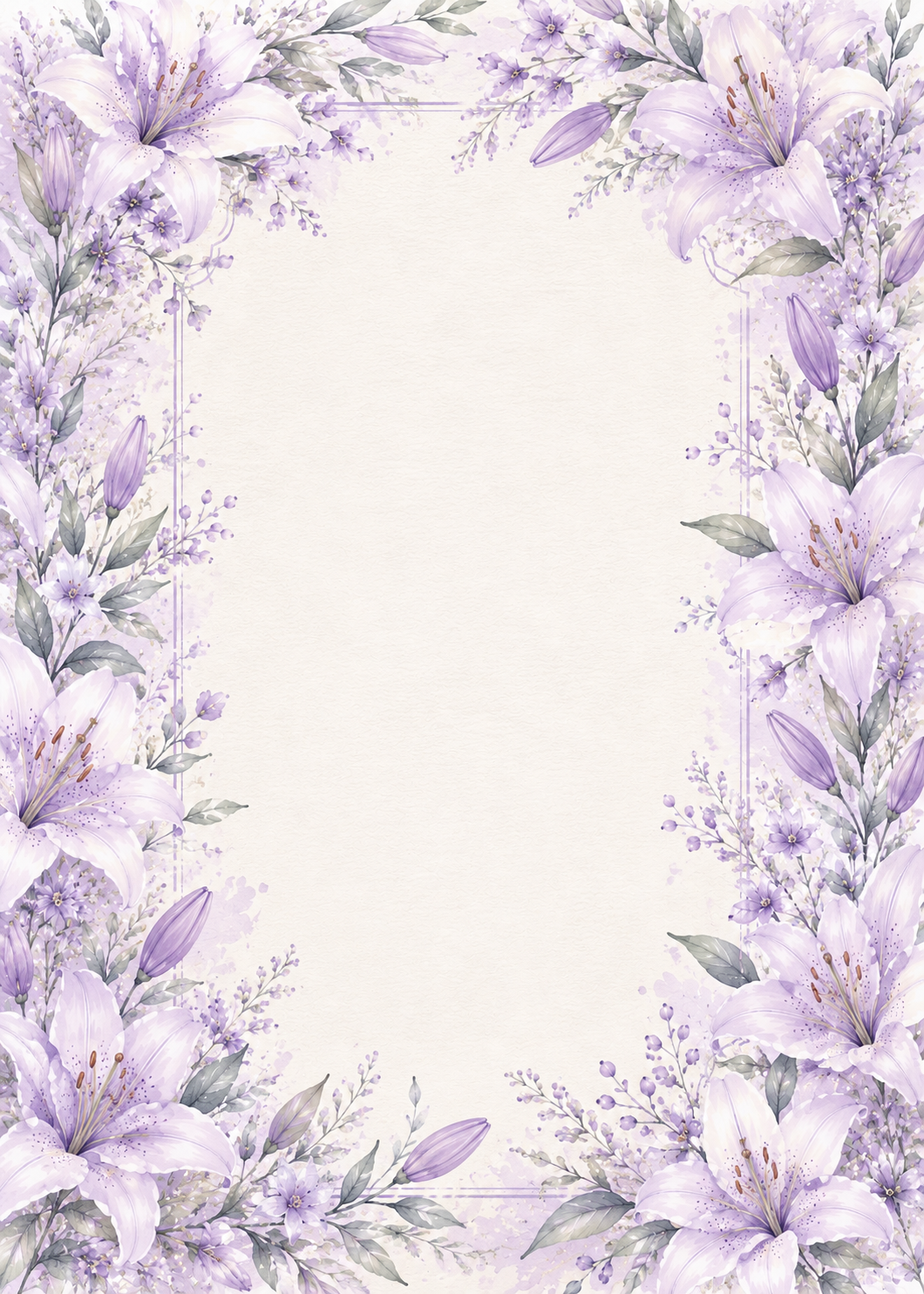
Azure Blooms
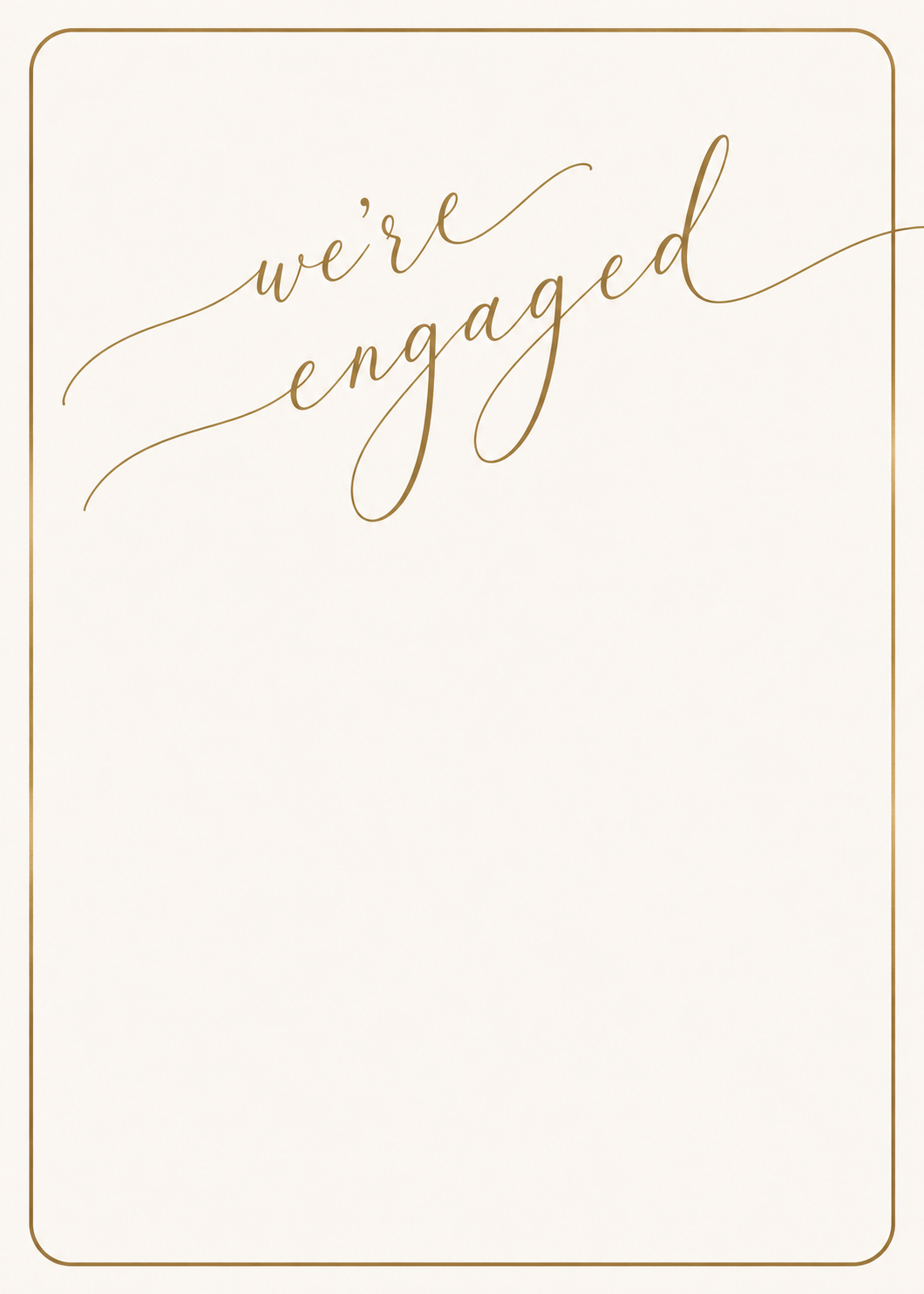
The "Azure Blooms" engagement party invitation template helps you announce your engagement celebration in style. Personalize and share with your guests instantly.
FloralDreamy
Use This TemplateView All Engagement Templates



How to use this invitation template
- Click Use This Template above to open the invitation editor.
- Add your event details: date, time, location, and a personal message.
- Customize fonts, colors, and layout to match your style.
- Optionally add your own photo as a background.
- Share the invitation link via text, email, or any messaging app.
- Guests RSVP directly — you can track responses from your dashboard.